

Digital portfolio: what it is and how to do it in 2026
Summary (TL;DR)
One digital portfolio is a website or online page that brings together projects, work and professional achievements to present skills and results clearly. It acts as a digital showcase, helping professionals and companies to strengthen their authority, increase their visibility on the internet and attract new clients or job opportunities. In this guide you'll learn what a digital portfolio is, what its benefits are and how to create a professional portfolio with good design, content and SEO practices.

Quick access
One digital portfolio is a website or online platform that brings together your work, projects and achievements to clearly present your skills and experience. It acts as a virtual showcase that makes it easier for recruiters, clients and business partners to assess your talent.
Having a well-structured portfolio is essential for gaining visibility, building authority and standing out in an increasingly competitive market. That's why we've prepared comprehensive content to teach you how to create yours and understand the importance of having one. Check out our practical tips to set yourself apart from the competition.
What is a digital portfolio and how important is it?
One digital portfolio is usually developed on a website, with one or a few pagess, which brings together professional information, examples of projects and results achieved. It's important because it makes it easy to present your work in an organized way, conveying trust and credibility to those who seek your services.
This is UpSites' portfolio page, for example, where we highlight our main projects and the features of the services we offer:
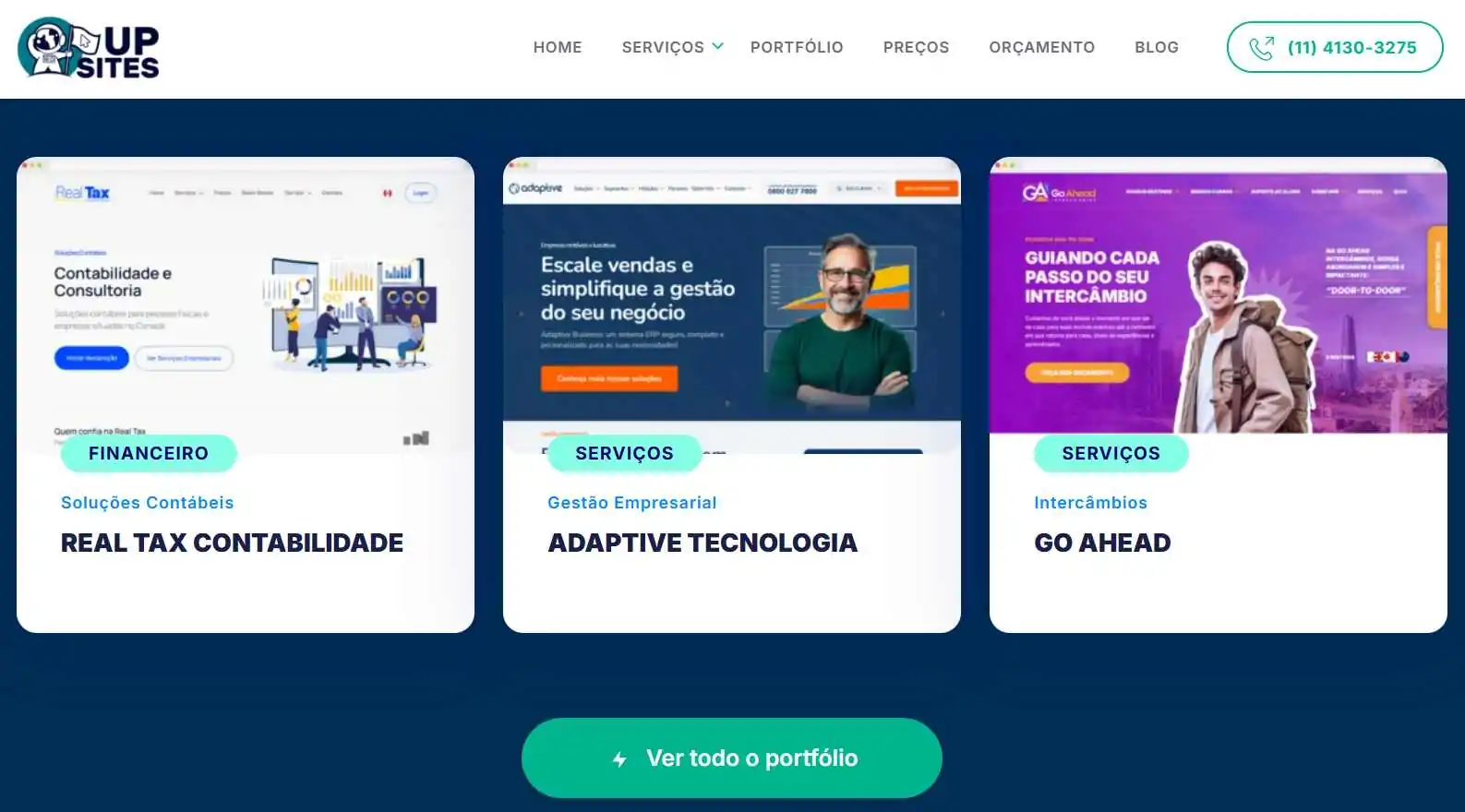
The main purposes of a digital portfolio are:
- present projects and work carried out;
- valuing technical and creative skills;
- strengthen professional credibility;
- attract potential clients and employers;
- stand out from the competition;
- centralize relevant information in one place;
- facilitate contacts and partnership opportunities;
- demonstrate practical experience in a visual way;
- increase online presence and authority;
- support personal or business marketing strategies.
What are the benefits of the digital portfolio?
The digital portfolio offers strategic advantages for those who want to stand out in the online environment and win new opportunities more effectively. Among the main benefits are:
- Increased visibility: increases your presence on the Internet and makes it easier to be found;
- Professional authority: reinforces its image as an expert in the field;
- Accessibility: can be accessed at any time, from anywhere;
- Practicality: concentrates projects and contacts in a single space;
- Differentiation: shows its strengths compared to the competition;
- Generating opportunities: attracts clients, partnerships and interviews;
- Marketing support: strengthens digital campaigns and your personal brand.
How to make a digital portfolio?
Creating an impactful digital portfolio requires planning and strategy. To help, we've prepared a complete step-by-step which shows everything from the choice of platform to SEO techniques to boost your online presence. Check it out:
1. choose the right platform
The choice of platform is one of the most important points when creating your digital portfolio. You can hire a website developer or opt for intuitive tools that allow you to create professional pages without the need for advanced technical knowledge. Here are some of the main options:
- WordPress: flexible, with numerous themes and plugins for customization;
- Wix: simple and practical interface, ideal for beginners;
- Squarespace: modern design, with ready-made templates for creative portfolios;
- Shopify: suitable for portfolios focused on products and online sales;
- Behance: free platform for designers and creatives;
- Adobe Portfolio: integrated into the Adobe package, widely used by photographers;
- Dribbling: reference for design and illustration professionals.
2. Create good content
Having a digital portfolio isn't just about showing off projects, it's also about knowing how to present your value proposition in a clear and attractive way. Good content conveys professionalism, connects with the public and helps sell your services or products. Here are some tips for structuring your pages better:
- Personal story: tell us who you are and your career path;
- Clear mission: explain your objectives and market differentials;
- Selected projects: choose the best works to highlight;
- Objective descriptions: present each project in a short and impactful way;
- Quality images: use high-resolution photos and videos;
- Call to action (CTA): encourage contacts and quote requests;
- Social proof: add customer and partner testimonials;
- Success stories: highlight results achieved in projects;
- Integrated blog: publish articles and show authority on the subject;
- Easy contacts: make emails, forms and social networks available.
3. Use SEO techniques
SEO (Search Engine Optimization) means search engine optimization. It is a set of techniques that helps your portfolio to be found on Google and other search engines, increasing visibility and the chances of attracting qualified customers. Here are some secrets to optimizing your website:
- Strategic keyword: include terms that your audience searches for (example: photography service / photographer in São Paulo);
- Optimized titles: use keywords in H1 and H2;
- Meta description: write attractive summaries for each page;
- Friendly URLs: create short, easy-to-understand links (e.g: portfoliodefotografia.com.br);
- Optimized images: add alt text with relevant terms;
- Site speed: guarantee fast charging;
- Responsive design: adapt the portfolio for desktop and mobile;
- Internal links: connect different pages of the site;
- External links: cite reliable sources and partners;
- Constant analysis: use tools such as Google Analytics and Search Console.
4. Think of a design
The design of your digital portfolio goes beyond aesthetics: it's the way you give the user exactly what they're looking for, with clarity, functionality and quality. A design well thought out guides navigation, highlights your work and strengthens the perception of professionalism.
According to one current statistics, The design of a website is responsible for up to 94% first print that the visitor forms when accessing it. Check out the main elements of a successful design:
Logo and brand
The logo is the visual symbol that represents your professional identity. It synthesizes your brand in one image, and should be consistent in color, shape and style with the rest of your portfolio. The brand encompasses the logo + visual personality + values, creating a unified whole that reinforces who you are.
Images and videos
These are visual resources that humanize your portfolio and illustrate your results in a direct and engaging way. High-quality images and well-produced videos help visitors understand your projects in greater depth and with more credibility.
Buttons and interactions
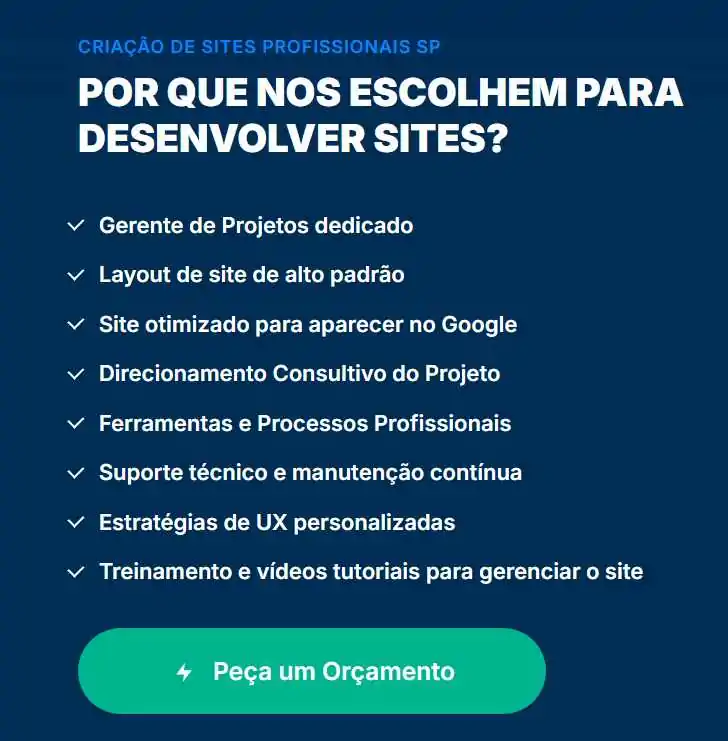
Buttons are the action points on your site (such as “hire”, “view portfolio”, “contact us”). The microinteractions, subtle effects such as animations, hovers and transitions enrich the experience and make navigation more intuitive, engaging and fluid.
Take a look at this example from our portfolio page:
Colors and fonts
Colors communicate emotions and reinforce your visual identity, while fonts define the readability and textual style. It is important to choose a harmonious palette and consistent typography that favors reading and reinforces your brand.
Titles and content
Titles are visual guides that orient the reader and make pages easier to scan. The content, text, descriptions and explanations, need to be clear, objective, show authority and direct to what really matters (projects, results and CTA).
5. Insert social proof
Social proof is external confirmation that your work generates reliable results. It's important because it reinforces credibility, breaks down objections and brings the visitor closer to the hiring decision. Social proof can come in a variety of formats, see some ideas below:
Comments on social networks
Spontaneous posts or posts tagged by clients on social networks show real interactions. They generate identification and validate your work in an environment where many clients are already present.
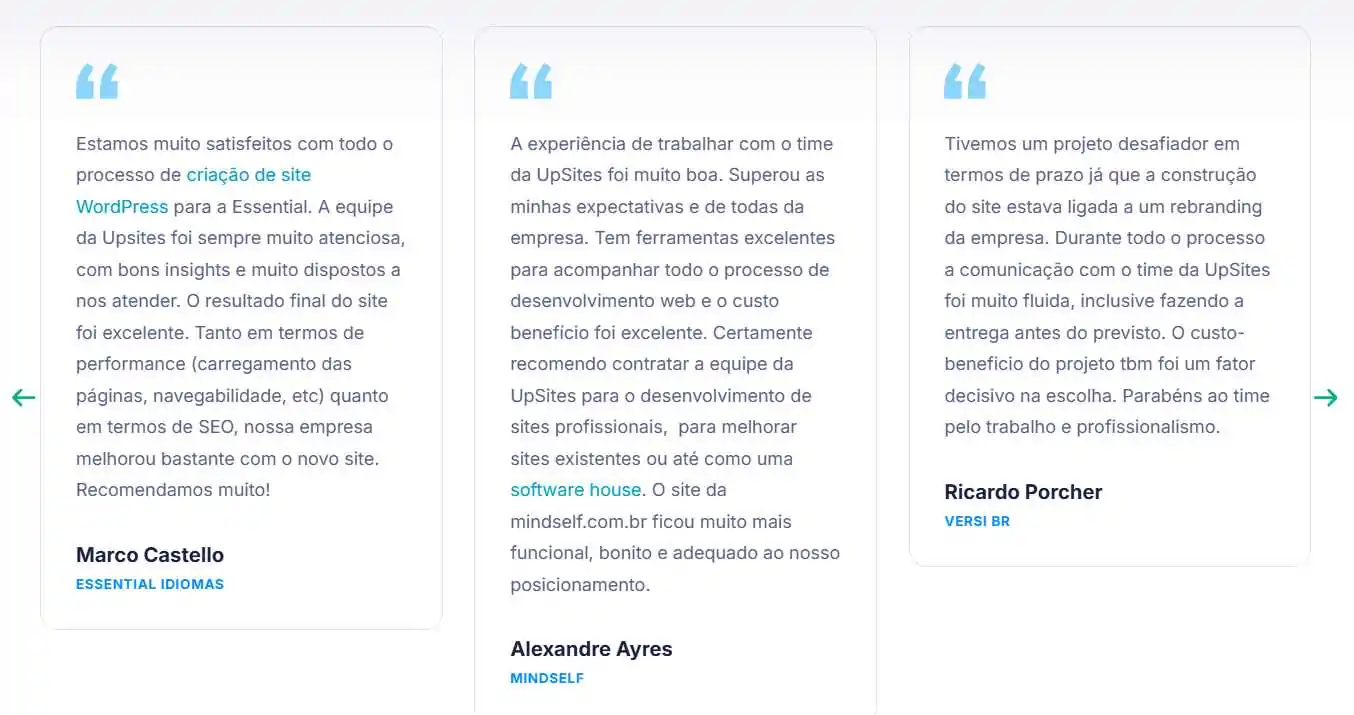
Testimonials
Direct reports from satisfied clients (“name + position + phrase”) carry emotional weight and connect those who visit your portfolio with real success stories. Check out the testimonials on our page:
Brands or companies
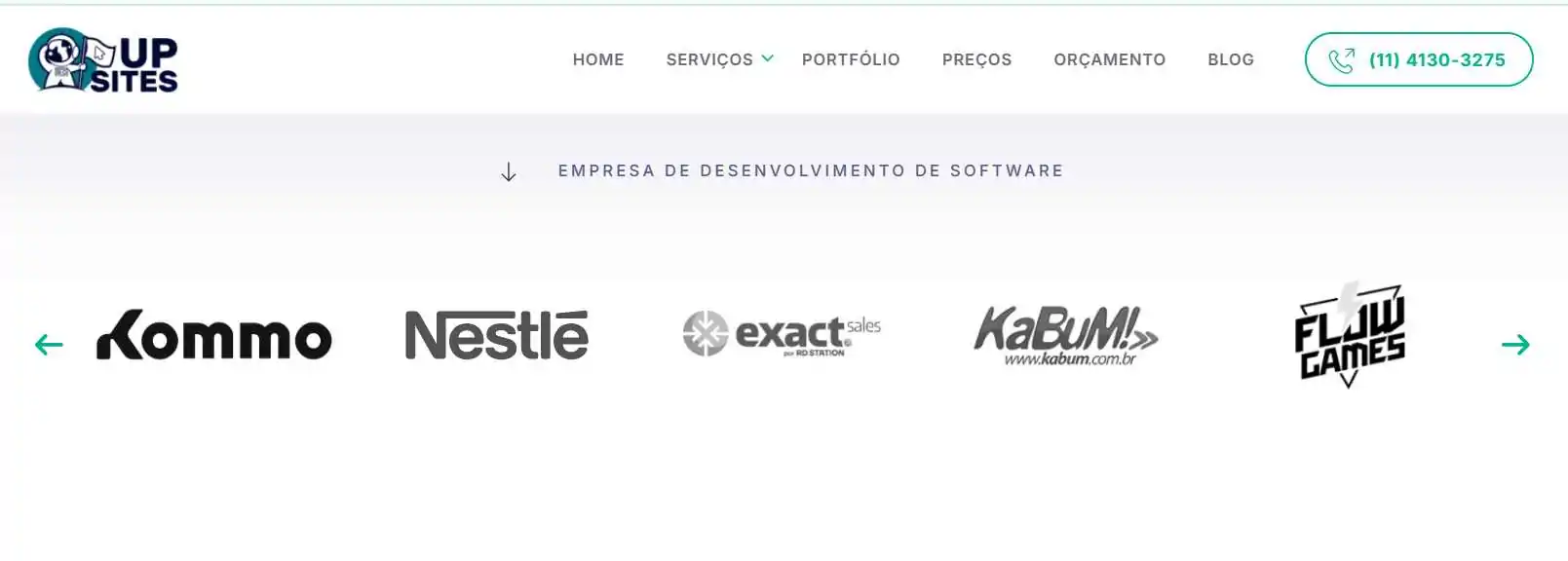
Displaying logos of (well-known) companies that you have worked with gives them authority. When possible, associate it with the project you did for them. This example below is from our software development page, look what a cool idea for your portfolio:
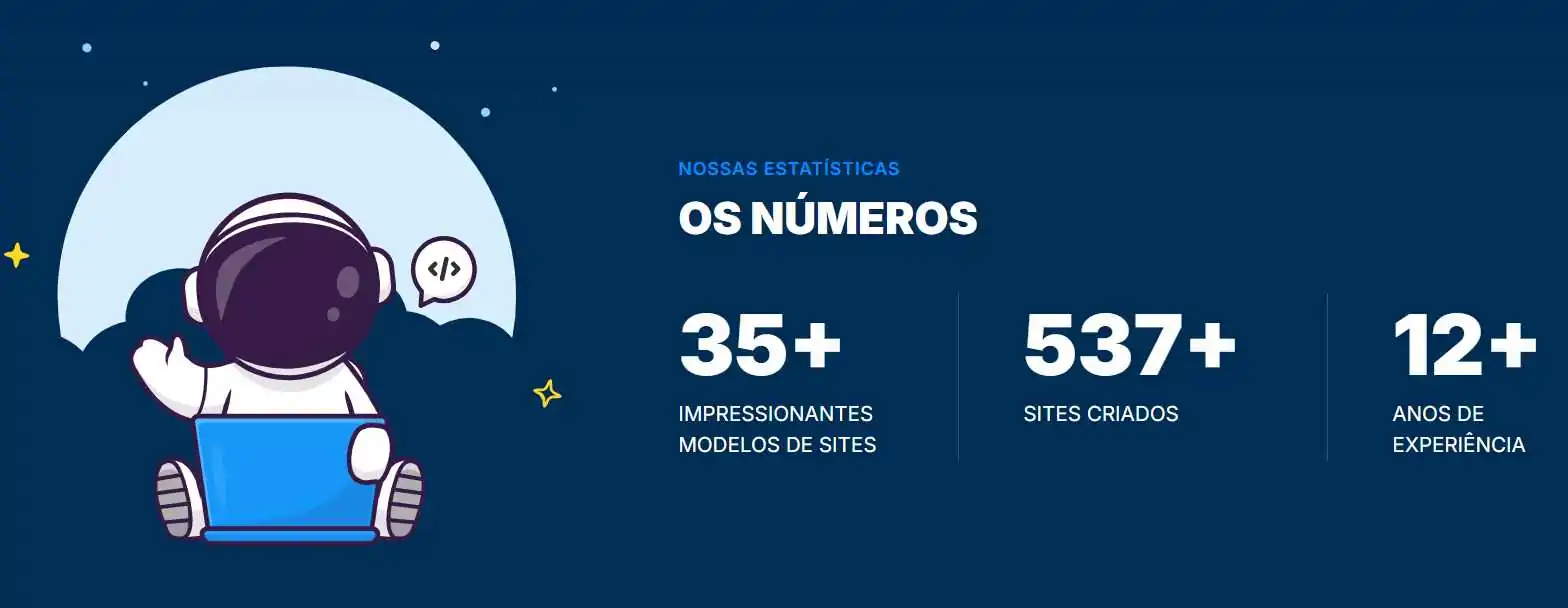
Interactive numbers
Elements such as animated counters of projects delivered, appointments made or sales made make the results visually concrete and memorable. Take a look at this interesting idea we have here on the site:
6. Keep it simple and straightforward
“Less is more” fully applies to digital portfolios: prioritize what matters for your audience and delivered clearly, without visual or textual excess.
Avoid doing it:
- too many distracting animations;
- very long texts without breaks;
- irrelevant illustrations or images;
- unnecessary or redundant links;
- conflicting colors that make reading difficult;
- illegible or divergent typography;
- confusing forms of navigation;
- content that doesn't lead to clear action.
Can people who have never worked make a portfolio?
Yes, even those who have never worked in the field can create a digital portfolio. In this case, the aim is to put together a demonstration of skills and knowledge already acquired. You can include academic work, research, volunteer projects and even materials created on your own initiative to show your potential. Check out these tips:
Post academic papers or research
Projects carried out during university, articles, monographs or applied research can be included in a portfolio. They prove your ability to study, analyze and practically apply knowledge in the field, as well as showing dedication and professional interest.
Show off your volunteer work
Volunteering activities carried out in your field are excellent examples for a portfolio. They demonstrate commitment, real practice and a willingness to apply your skills in real situations, even without pay.
Create content to present
Even if you haven't done any projects for clients yet, you can create your own content, such as articles, graphics, sample websites, photographs or videos, and add them to your portfolio. This is a practical way of showing future contractors how you work and the quality of your delivery.

What are the main portfolio categories?
There are different types of digital portfolio, and each one serves a specific purpose. Knowing the main categories helps you choose the format best suited to your profile, Whether you're a student, a freelance professional, a creator or even a company.
Academic portfolio
The academic portfolio brings together work, articles, monographs, research projects and presentations made during training. It is important for students and researchers who want to show evolution, organization and depth of knowledge in their field of study.
Copywriter's portfolio
This model shows published texts, articles for blogs, advertising materials and other written content. A good copywriter's portfolio should include links, PDFs or screenshots proving authorship, as well as highlighting the diversity of formats and niches worked on.
Photography portfolio
A photography portfolio brings together authorial images, essays and visual projects. It should focus on quality, variety of styles and organization by category (portraits, events, products). It can also include technical details, such as equipment used and techniques applied.
Product portfolio
This type of portfolio shows physical or digital items developed by a person or company. It is essential to include professional photos, objective descriptions, differentials and, where possible, use cases. It can also include feedback from customers who have used the products.
Portfolio for companies
Aimed at businesses in different sectors, this portfolio presents projects, clients served, results achieved and competitive advantages. It is important to include case studies, testimonials, impact figures and show the company's authority in the market.
How to promote your digital portfolio?
Creating a portfolio is just the first step; to attract opportunities, you need to promote it strategically. Here's a practical guide to promoting your work and reaching more clients or employers:
- Share on social media: post portfolio links on professional profiles;
- Use LinkedIn: highlight your projects and achievements in the experience section;
- Add it to your CV: insert the portfolio link in CVs and proposals;
- Join communities: be present in forums and groups in your area;
- Publish on Behance or Dribbble: take advantage of platforms aimed at creatives;
- Invest in SEO: optimize your portfolio to appear on Google;
- Send in commercial proposals: show your cases when prospecting clients;
- Use e-mail marketing: share news and new projects with contacts;
- Explore paid ads: publicize specific campaigns on Google or social networks;
- Always update: keep your portfolio alive with new work and achievements.
Finalizing your portfolio with strategy
The digital portfolio is more than a showcase, it's a tool for authority and connection with clients, recruiters and partners. It should be designed to reflect who you are, show what you've already done and open doors to what you have yet to achieve.
If you want to create a professional, modern portfolio that is totally adapted to your audience, talk to UpSites experts. We help you turn your work into a strategic, high-impact website.
Do you need a professional website for your company or as a freelancer? Press the button below and get a quick quote! We look forward to seeing you.

Frequently Asked Questions
What is a digital portfolio?
A digital portfolio is an online collection of an individual's or company's work and achievements. It presents in an organized and accessible way various materials such as documents, projects, photographs, videos and links, demonstrating skills, experience and competencies. It acts as a digital showcase for professional talents and achievements.
How do I put together a digital portfolio?
To put together a digital portfolio, start by selecting your best work that represents your skills and experience. Create a clear structure, dividing the content into relevant categories. Use a suitable online platform, such as portfolio sites, professional social networks or blogs. Include a brief biography, contact details and testimonials if possible. Make sure the design is clean, professional and reflects your personal style.
How important is a digital portfolio for a professional?
A digital portfolio is crucial for professionals as it serves as tangible proof of their skills and experience. It allows potential employers, clients or collaborators to see the work you've done, assess its quality and style. A digital portfolio increases online visibility, facilitates networking and helps build a strong personal or professional brand on the internet.
Does the digital portfolio need to be paid for?
Not necessarily. There are free platforms, such as Behance and Dribbble, which allow you to create simple and accessible portfolios. However, investing in your own website guarantees more customization, a professional domain and greater credibility to attract clients and employers.
What's the difference between a digital portfolio and a CV?
The CV presents brief information about your education and experience, while the digital portfolio shows practical examples of your work. The two complement each other: the CV gives context and the portfolio proves your skills with visual and objective results.
How often should I update my portfolio?
Ideally, you should update your portfolio whenever you complete a relevant project or acquire new professional achievements. In this way, your portfolio stays alive, current and competitive, reflecting your constant development in the market.
Can a digital portfolio have just one page?
Yes. Many professionals opt for single-page portfolios, especially for campaigns or quick presentations of their work. The important thing is that the page is organized, clear and shows the most relevant projects in an objective way.
Do I need to have a lot of work to build my portfolio?
No. Even with just a few projects, it's possible to create an impactful portfolio. The key is to choose projects that show variety, quality and creativity, rather than quantity. If necessary, create authorial content to complement them.
Do companies also need a digital portfolio?
Yes, companies can use their digital portfolio to present success stories, clients served, results and differentials. This conveys authority, reinforces credibility and makes it easier to win new business in the market.

Caio Nogueira
Caio Nogueira is co-founder of UpSites and a reference in website development and SEO consultancy. With over 10 years' experience and more than 900 projects completed for brands such as KaBuM, UNIMED, USP and Nestlé, Caio stands out for his competence in digital project management.Caio has also been a guest author on influential digital marketing websites such as Neil Patel, Rock Content, Hostinger, Duda, Hostgator and Locaweb, where he has shared his expertise in SEO and content marketing.
See all posts



 Calculate Price Now

