

Optimizing URLs for SEO: how to create an optimized URL structure
Summary (TL;DR)
Our text highlights the importance of user-friendly URLs for SEO and user experience. It explains that user-friendly URLs are more readable and understandable, containing relevant keywords that help search engines understand the page's content.
User-friendly URLs improve search engine rankings, increase click-through rates (CTR), reduce bounce rates, and facilitate social sharing. The text also covers essential components of user-friendly URLs, such as domain, protocol, path, and keywords, as well as differentiating between dynamic and static URLs.
URL optimization tools, such as SEO plugins and sitemap generators, are recommended for improving URL structure, benefiting both SEO and user experience.
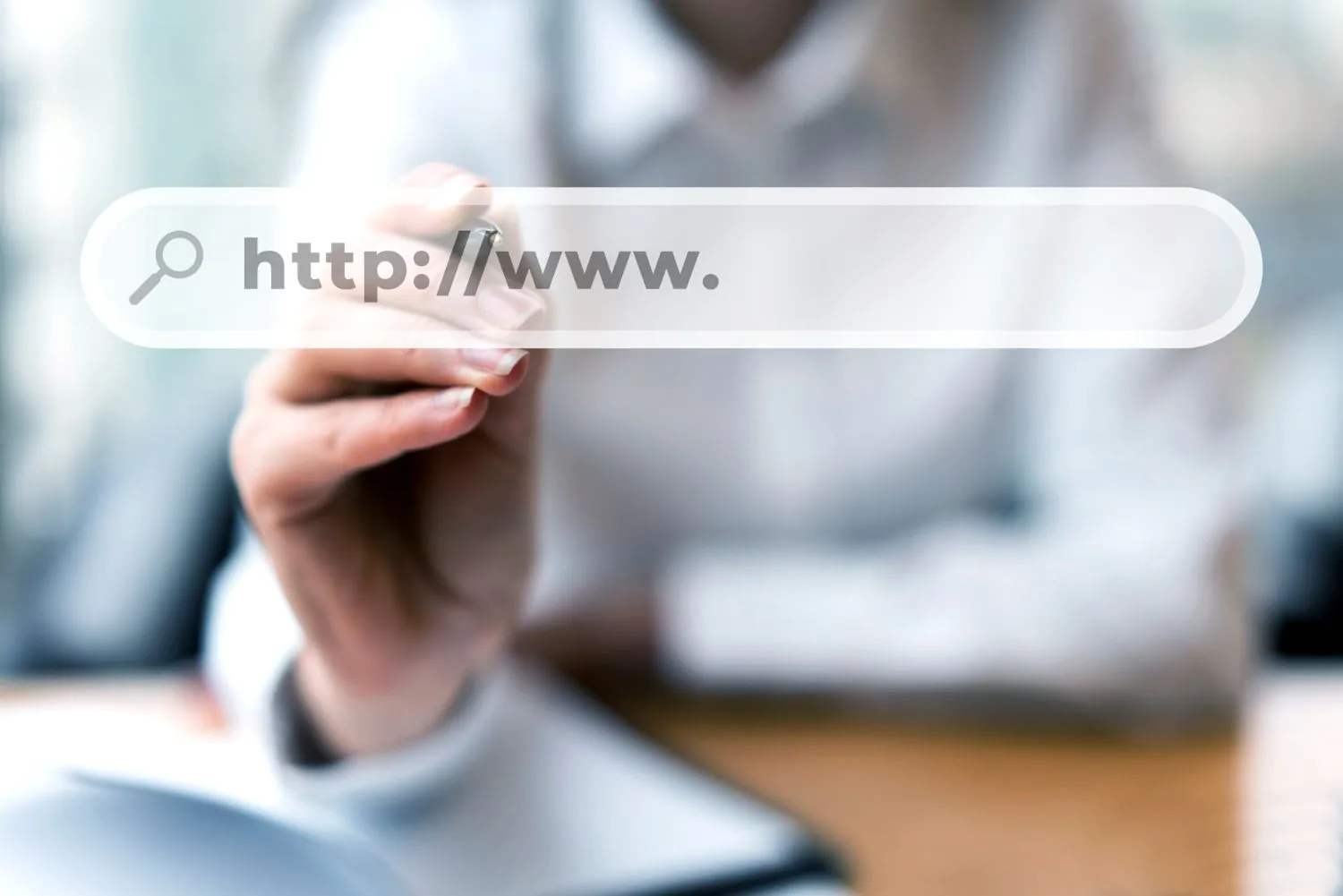
In the world of digital marketing and search engine optimization (SEO), few elements are as crucial as user-friendly URLs. This highlights the need for URL optimization.
They not only serve as virtual addresses for your content, but also play a significant role in your website's visibility and search engine ranking.
Optimized URL structure is a cornerstone for enhancing user experience, simplify navigation and increase organic reach. This makes it one of the SEO strategies primordial for the your site's success on the web!
In this article, we will explore in-depth what SEO-friendly URLs are, why they are vital for SEO, and how you can create an optimized URL structure to improve your site's presence in search engines.
Get ready to discover how this small component can have a big impact on your brand's online success.
What are Friendly URLs and URL Optimization
Friendly URLs are web addresses designed to be more readable and understandable for both users and search engines.
In contrast to non-friendly URLs, which are often composed of long sequences of characters and symbols, friendly URLs are simplified, organized, and intuitively reflect the page's content. URL optimization is a SEO techniques widely used since the creation of new websites, as well as in older websites
Key Features of User-Friendly URLs:
- Readability: User-friendly URLs are easy to read and understand, even for people who are not tech experts. They generally include descriptive words that indicate the page's content.
- Relevance A user-friendly URL often includes keywords relevant to the page's content. This helps search engines understand the page's topic and relevance.
- Hierarchy The parts of the URL are organized hierarchically, which can reflect the site structure. This makes navigation more intuitive.
- Simplicity: Friendly URLs avoid special characters, long numeric IDs, or confusing codes. They are concise and direct.
- Pleasantness User-friendly URLs are more pleasing to the eye and provide a better user experience, which can increase the likelihood of people clicking on them.
Benefits of SEO-friendly URLs
User-friendly URLs provide a number of significant benefits for SEO (Search Engine Optimization) and user experience. Let's explore these benefits and how they can improve your website's performance:
- Best Search Engine Ranking: User-friendly URLs are easier for search engines to understand. When search engines understand the content of a page based on the URL, this can improve search result rankings.
- Enhanced CTR Friendly URLs often include keywords relevant to the page's content. This grabs users' attention and increases the likelihood of them clicking your link in search results, leading to a higher Click-Through Rate (CTR).
- Bounce Rate Reduction User-friendly URLs can also improve user experience. When visitors find URLs that clearly reflect what they are looking for, they are more likely to stay on your site and explore more pages, reducing Bounce Rate.
- Easy Social Sharing User-friendly URLs are more suitable for sharing on social media. When people share links, clear and legible URLs are more inviting and attractive, which can increase visibility on social networks.
- Ease of Tracking Friendly URLs make tracking and analyzing traffic simpler. It's easier to identify the content of a page from the URL in analytics reports, helping you understand your website's performance.
- Best User Experience Ultimately, user-friendly URLs contribute to an enhanced user experience. When visitors can easily understand your website's structure from the URLs, it increases usability and overall user satisfaction.
These benefits demonstrate the importance of implementing SEO-friendly URL optimization on your website, both to improve its search engine performance and to provide a positive visitor experience.
Components of a Friendly URL

To create user-friendly and SEO-optimized URLs, it's essential to understand the key components that make up an effective URL:
- Domain The domain is the main part of the URL that identifies your website. It is recommended that the domain be short, easy to remember, and related to your business or content.
- Protocol Typically, the protocol is “http://” or “https://”, indicating whether the Is the site safe?. The use of HTTPS is fundamental for security and is preferred by search engines.
- Subdomain The subdomain is an optional part of the URL that can be used to organize website content. For example, in “blog.yourwebsite.com,” “blog” is the subdomain.
- Path The path is the part of the URL that follows the domain and describes the folder and category structure of your site. It's where you can incorporate keywords relevant to the page's content.
- Keywords: Including descriptive and relevant keywords in the URL path is a best practice. This helps search engines and visitors understand the page's content before they even access it.
- Hyphens Use hyphens to separate words in URLs, instead of spaces or underscores. For example, “my-friendly-url” is preferable to “my_friendly_url”.
- Special Characters: Avoid special characters, such as accents, spaces, and symbols, in URLs. Keep them simple and readable.
- File Extension: In some URLs, you may find the file extension, such as “.html” or “.php.” While not strictly necessary, it is common in some URL structures.
Choosing Relevant Keywords
Choosing the right keywords to incorporate into URLs is crucial for SEO. These keywords should accurately reflect the page's content.
For example, if you have a recipe website and are creating a URL for a page about chocolate cake, a URL like “/recipes/chocolate-cake” is ideal. It includes the keyword “chocolate cake” and clearly describes the page's content.
In summary, understanding the components of a user-friendly URL and choosing relevant keywords are essential steps for creating SEO-optimized URLs.
Impact of URL Structure on User Experience
The URL structure of a website plays a crucial role in user experience. Clear, concise, and descriptive URLs make navigation and understanding easier for visitors.
When URLs are well-crafted, users can get a clear idea of the page's content even before clicking the link. This saves time, reduces frustration, and helps build trust.
A user-friendly URL is also easier to remember, which is useful for visitors who want to return to a specific page in the future.
Well-structured URLs can be more easily shared on social media or via links, which can increase the reach of content.
On the other hand, confusing, long URLs or those filled with numbers and special characters can cause confusion and discourage users from exploring your site. This can result in higher bounce rates and less engagement.
In summary, URL structure plays a significant role in user experience, influencing site navigability, comprehensibility, and usability.
Therefore, when creating URLs for your website, it is crucial to prioritize user experience and follow SEO best practices for the best results.
Dynamic URLs vs. Static URLs
Dynamic and static URLs are two different types of web addresses, each with its own characteristics and uses.
Static URLs consist of addresses that remain unchanged and do not contain query parameters. They are generally composed of descriptive keywords separated by hyphens, which makes the URL more human- and search engine-friendly. An example of a static URL would be “https://www.example.com/blog-article”.
On the other hand, dynamic URLs contain query parameters and are generally generated by content management systems or web applications.
They may seem less friendly to users and search engines, as they include symbols like “?” and “&”. An example of a dynamic URL would be “https://www.example.com/product?id=123”.
The choice between dynamic and static URLs depends on the website's needs. Static URLs are recommended for pages with permanent content, like blogs and product pages, as they are more SEO-friendly and easier to remember.
Dynamic URLs are more appropriate for websites that display user-generated content or have many variables, like e-commerce sites with search filters.
It's important to remember that, regardless of the type of URL used, SEO best practices should be followed to optimize the URL structure and make it friendly for search engines and users.
Tools and Resources for URL Optimization
To optimize URLs and create a user-friendly structure, there are various tools and resources available. Here are some suggestions:
- WordPress SEO Plugins: If you use WordPress, plugins like Yoast SEO and All in One SEO Pack can help create SEO-friendly URLs and provide guidance on SEO optimization.
- URL Generators There are online tools that can automatically generate friendly URLs based on your article's title or content. Examples include the SEO Press URL Generator and the Blogspot Slug Generator.
- Google Search Console: This tool offers insights into how Google sees your URLs and provides suggestions for improving URL readability.
- URL Shortening Tools: If your URLs are too long, you might consider using tools like Bitly or TinyURL to shorten them and make them easier to share.
- Broken URL Checkers Broken URLs can harm the user experience. Use tools like Check My Links (for Chrome) or Online Broken Link Checker to find and fix broken URLs on your website.
- Google Analytics: Track your URL performance using Google Analytics. This will help you identify which URLs are attracting traffic and which ones need optimization.
- Generators Sitemaps: Utilize sitemap generators, such as XML-sitemaps.com, to create XML sitemaps that list all your URLs in an organized manner for search engines.
Remember that when optimizing URLs, it's important to keep relevance, simplicity, and readability in mind. User-friendly URLs not only benefit SEO but also the user experience, making it easier for people to understand and share links from your site.
Conclusion
User-friendly URLs are a fundamental component for SEO success and significantly enhance the user experience.
In this article, we explore what SEO-friendly URLs are, their direct and indirect benefits, essential components, and best practices for creating them. We also discuss the positive impact an optimized URL structure can have on user experience, making navigation easier and more intuitive.
Remember that when creating SEO-friendly URLs, you not only improve your search engine visibility but also make it easier for your visitors to find and share your content.
By following the guidelines and using the mentioned tools, you are on the right track to optimize your URLs and increase the effectiveness of your SEO strategies. You can also choose to have a SEO consulting specializing with UpSites, where we can assist with the complete optimization of your website, including URLs and other key SEO points.
Finally, don't forget to apply this knowledge to your website and continue improving your online presence. We wish you success in your business and your SEO optimization!

Frequently Asked Questions
What are SEO-friendly URLs and why are they important for SEO?
User-friendly URLs are web addresses that are readable and understandable to both users and search engines. They typically include relevant keywords and avoid special characters or confusing codes. They are important for SEO because they improve search engine rankings, increase click-through rates (CTR), and provide a better user experience.
What are the essential components of a user-friendly URL?
The essential components of a user-friendly URL include:
- Domain It should be short and related to the website's content.
- Protocol “http://” or “https://”, with HTTPS being preferable for security.
- Path Describe the website structure with relevant keywords.
- Keywords: Relevant and descriptive of the page content.
- Hyphens Used to separate words in URLs.
What is the difference between dynamic and static URLs?
Dynamic URLs contain query parameters and are often generated by content management systems, which can make them appear less friendly. Example: “https://www.exemplo.com/produto?id=123“Static URLs are fixed, readable, and composed of descriptive keywords. Example: “https://www.exemplo.com/artigo-de-blog“Static URLs are preferable for SEO because they are more search engine and user-friendly.
What tools can help with URL optimization?
Tools that can help with URL optimization include:
- SEO Plugins for WordPress Yoast SEO and All in One SEO Pack.
- URL Generators Online tools that automatically create friendly URLs.
- Google Search Console: Offers insights and suggestions for improving URLs.
- Broken URL Checkers How to Use Check My Links to Find and Fix Broken URLs.
- Sitemap Generators XML-sitemaps.com is used to create organized XML sitemaps.

Lucas Pelisari
Lucas Pelisari has been an SEO and content specialist at UpSites for over 6 years, working on the creation and optimization of digital strategies focused on lead generation and organic growth.With experience in website development projects, on-page SEO and link building, he works directly on structuring content and pages aimed at positioning on Google and acquiring qualified traffic.Throughout his career, he has worked on projects for companies such as Kommo, Aldanth, Physical Care, In4, Design.com, Adaptive, Clipto and YeSim, as well as several other clients served by UpSites.He works on projects in different niches, including technology, SaaS, services and local businesses, with a focus on performance, conversion and scalability.Her work is directly linked to lead growth and increased organic visibility, with projects that have seen consistent traffic gains after implementing SEO and content strategies.His content covers topics such as professional website creation, SEO, page structure, performance, user experience and digital growth strategies, always with a practical approach based on real market scenarios.Professional networks:LinkedIn: https://www.linkedin.com/in/lucas-widmar-pelisari-78920033/Instagram: https://instagram.com/lucaswidmar
See all posts
 Calculate Price Now

