

Wix or WordPress - Which is the best platform for my website?
Summary (TL;DR)
This text compares Wix and WordPress, two popular website creation platforms, highlighting their main differences.
Wix is presented as a simple and fast solution, ideal for beginners who want websites with little customization, while WordPress offers greater flexibility and control, being better for users who seek extensive customization and search engine optimization.
The article discusses the ease of use, performance, customization, e-commerce capabilities, data control, and maintenance of each platform, concluding that the choice depends on the user's needs for customization and professionalism. It leans towards recommending WordPress for those who desire a more robust online presence.

Quick access
- What is a website platform and what is it used for?
- What are the differences between Wix and WordPress?
- What are the features of each platform?
- Wix or WordPress: which has the best performance?
- How is the customization and flexibility of each platform?
- How does e-commerce work?
- Who controls the information on each platform?
- How does maintenance work?
- How much does it cost to build a website on Wix and WordPress?
- Which platform is best for SEO?
- Wix or WordPress: which should I choose?
- Which company should I hire to create a website?
A website platform is the technological foundation that allows you to create, manage, and publish online pages. The choice depends on factors such as objectives, budget, desired features, and level of customization. Among the most common questions is precisely: Wix or WordPress, since both offer practical solutions, but with different proposals.
If you also don't know which one to choose, don't worry. We'll explain how they work, their main features, and the differences to consider before the final decision.
What is a website platform and what is it used for?
A website platform is the tool used to Develop, administer, and maintain a website on the internet. She organizes content, manages design, integrates functionalities, and ensures everything is available online for her visitors.
Main goals of a website platform:
- create and publish pages in a practical way;
- organize content and media in one place;
- offer options for design and customization;
- integrate forms, stores, and extra features;
- optimize the site for search engines;
- facilitate updates without advanced coding knowledge;
- guarantee Hosting or server connection;
- allow scalability as the website grows;
- Centralize data and performance statistics.;
- improve the end-user experience.
There are several platforms on the market, but two of the most well-known and used are Wix and WordPress. Let's understand each of them in detail.
Wix
Wix is a cloud-based platform aimed at users who seek practicality and speed. It offers a “drag and drop” website builder system, allowing anyone to create pages without needing to program.
Since it's fully hosted on Wix itself, it doesn't require server configuration or maintenance technique. This makes life easier for those just starting out, but it can also limit customization in more complex projects.
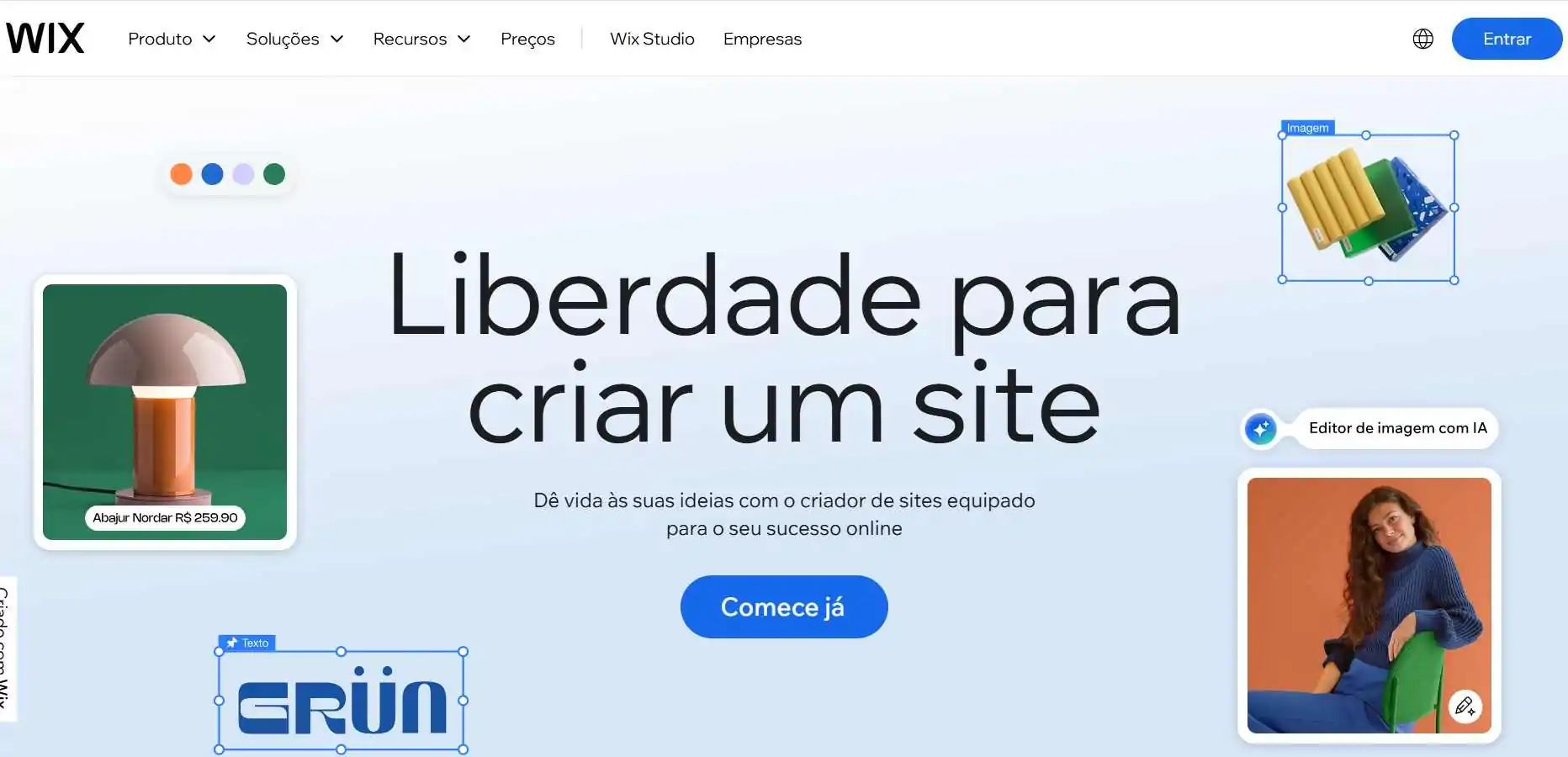
Key features of Wix:
- visual editor with drag and drop feature;
- hosting included in the plan;
- ready-made design templates;
- virtual store included in some plans;
- technical support included;
- automatic updates;
- Free and paid plans;
- limitations in advanced customizations;
- Monthly recurring cost;
- total platform dependency.
WordPress
WordPress is the world's most popular platform, used by over 40% of all websites on the internet. It functions as a CMS (Content Management System) and offers high flexibility, allowing for everything from simple blogs to large e-commerce sites.
It is possible to install WordPress on your own servers, choose themes, add plugins, and customize the site according to business needs. It requires more technical knowledge than Wix, but in return, it delivers total freedom.
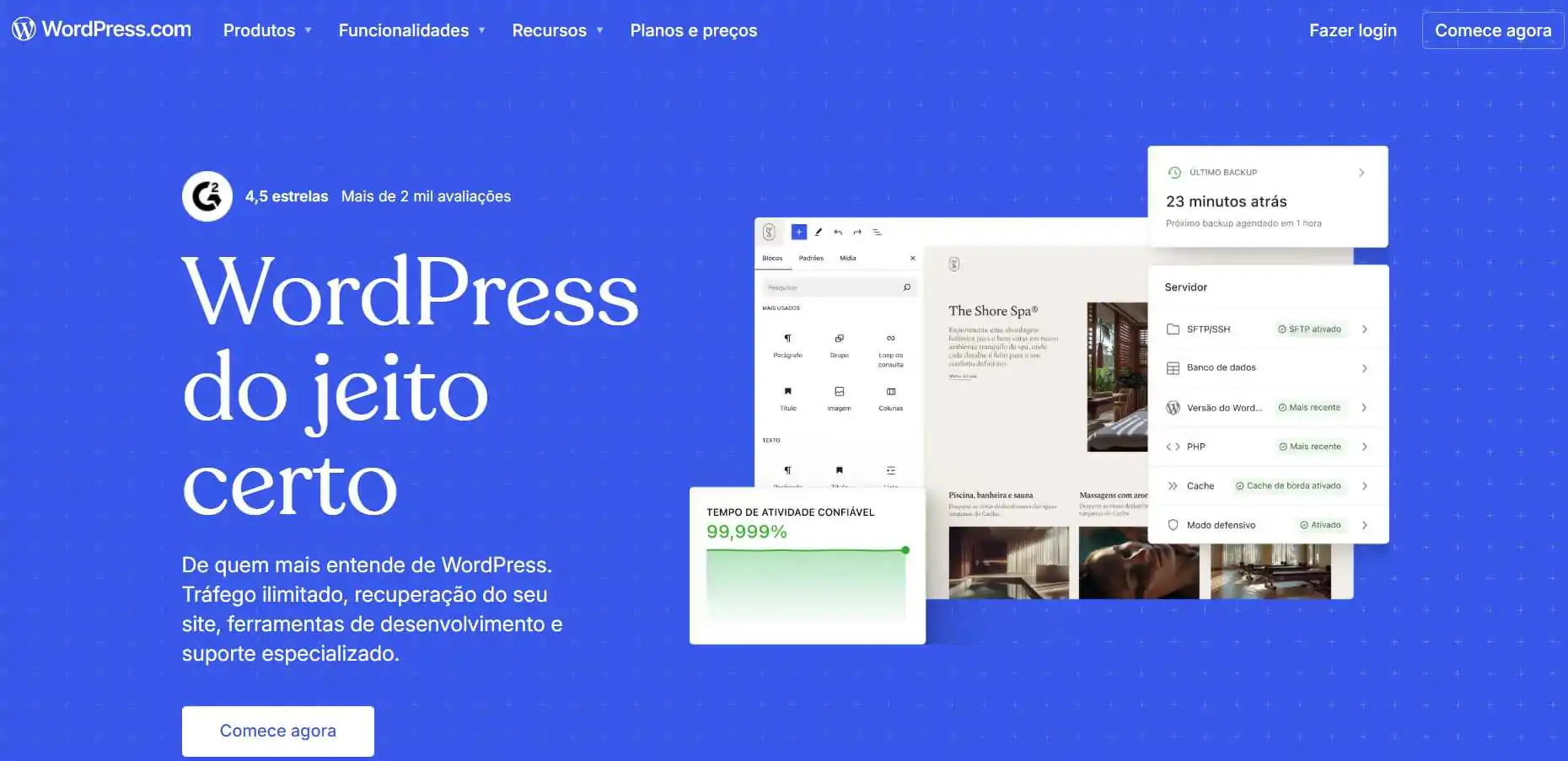
Key features of WordPress:
- open source software (free to install);
- unlimited customization with plugins and themes;
- advanced SEO support;
- Integration with e-commerce via WooCommerce;
- requires self-hosting;
- active and collaborative global community;
- total freedom to scale the project;
- steeper learning curve than Wix;
- maintenance and updates under user responsibility;
- flexible cost (depends on hosting and chosen plugins).
What are the differences between Wix and WordPress?
Although both are used to create websites, Wix and WordPress have very different proposals In terms of ease of use, customization, and cost. See below for a summary of the main differences:
| Wix | WordPress |
| Simple drag and drop editor | Advanced customization with code and plugins |
| Accommodation included | Hosting contracted separately |
| Monthly payment plans | Free, costs vary with hosting and plugins |
| Easy for beginners | Best suited for those with experience |
| Ready-made design templates | Free and paid themes of all kinds |
| Customization limitations | Practically unlimited flexibility |
| Integrated store on premium plans | WooCommerce and various integrations |
| Platform support | Community support and contracted services |
| Less scalable for large projects | Highly scalable to any size |
| Total platform dependence | Total freedom to migrate and expand |
What are the features of each platform?
In general, the Wix is easier to use than WordPress, since it was created precisely to serve beginners who want practicality and agility. However, this simplicity comes with some limitations in customization and scalability, areas where WordPress excels. Let's detail the ease of use of each platform below:
Wix Features
Creating a website on Wix is quick and straightforward. After creating an account, you choose the website's segment (like business, portfolio, or online store) and then select one of the available ready-made templates. From there, you just need to access the Wix Editor, where text, images, and elements can be edited by dragging and dropping on the screen, without needing any lines of code.
The entire process is intuitive, ideal for those without technical knowledge who seek practicality. Wix allows you to save changes, publish whenever you want, and even pause the project to continue later. It's a solution designed for those who value speed of execution and don't plan to make very complex customizations.
WordPress Features
In WordPress, the process requires a few extra steps. Before you begin, you need to register a domain (in Brazil, this is done through Registro BR) and contract a hosting service. With everything set up, you install WordPress and can choose from thousands of free and paid themes to define the initial look of your website.
While not as simple as Wix, WordPress offers much more flexibility. Plugins like Elementor make visual creation similar to the “drag and drop” model, but with advanced options for customization, optimization, and expansion.
If the goal is to have complete freedom to grow and scale the project, WordPress is the ideal choice — and, if time or interest is lacking, there's always the option of hiring a specialized agency to take care of everything.
Wix or WordPress: which has the best performance?
Comparing Wix and WordPress performance requires attention, as Each platform works differently. Wix is a solution “all-in-one” — combines hosting and a website builder into one package, but doesn't allow code changes, which limits performance. This can affect loading speed and flexibility for technical adjustments.
WordPress depends directly on selected hosting. When installed on quality servers, it delivers vastly superior results in speed and stability. In tests conducted, WordPress pages loaded more than three times faster than on Wix, while also showing a slight advantage in uptime.
Wix Performance
- Page load speed 5.2 seconds (slow);
- Uptime: 99,95%.
WordPress Performance
- Page load speed 1.7 seconds (fast);
- Uptime: 99,97%.
Note: Performance depends on the hosting provider. In our tests, we used the Infinite, recommended hosting for WordPress.
How is the customization and flexibility of each platform?
Wix stands out for its ease of use, ideal for those looking for practicality. WordPress wins in Customization and flexibility, allowing the creation of custom websites with advanced functionalities. Let's understand the differences between each one better:
Personalization on Wix
No Wix, additional functionalities are implemented through the Wix App Market, which offers just under 300 free and paid apps. While sufficient for basic needs, this quantity is limited when compared to the universe of plugins available for WordPress.
Another point is that Wix restrict settings in the code. The most that can be done is to insert small snippets via iFrame, with various limitations. This prevents developers from creating more elaborate solutions or companies from customizing the site according to specific demands.

Key aspects of personalization on Wix:
- access to the Wix App Market with basic apps;
- Few advanced features compared to WordPress;
- Restrictions on code changes;
- practicality, but little flexibility;
- suitable for simple and fast-to-publish websites.
Personalization in WordPress
WordPress is the world benchmark for flexibility. It has over 53,000 free plugins, as well as thousands of premium options. With them, it's possible to add everything from basic features to complex integrations with e-commerce, automations, and social networks, without needing to program.
Additionally, WordPress allows you to edit the code freely. This opens up space for developers to create tailor-made solutions, expanding customization possibilities. Tools like Elementor make the visual experience much simpler, bringing the practicality of Wix closer, but without sacrificing flexibility.
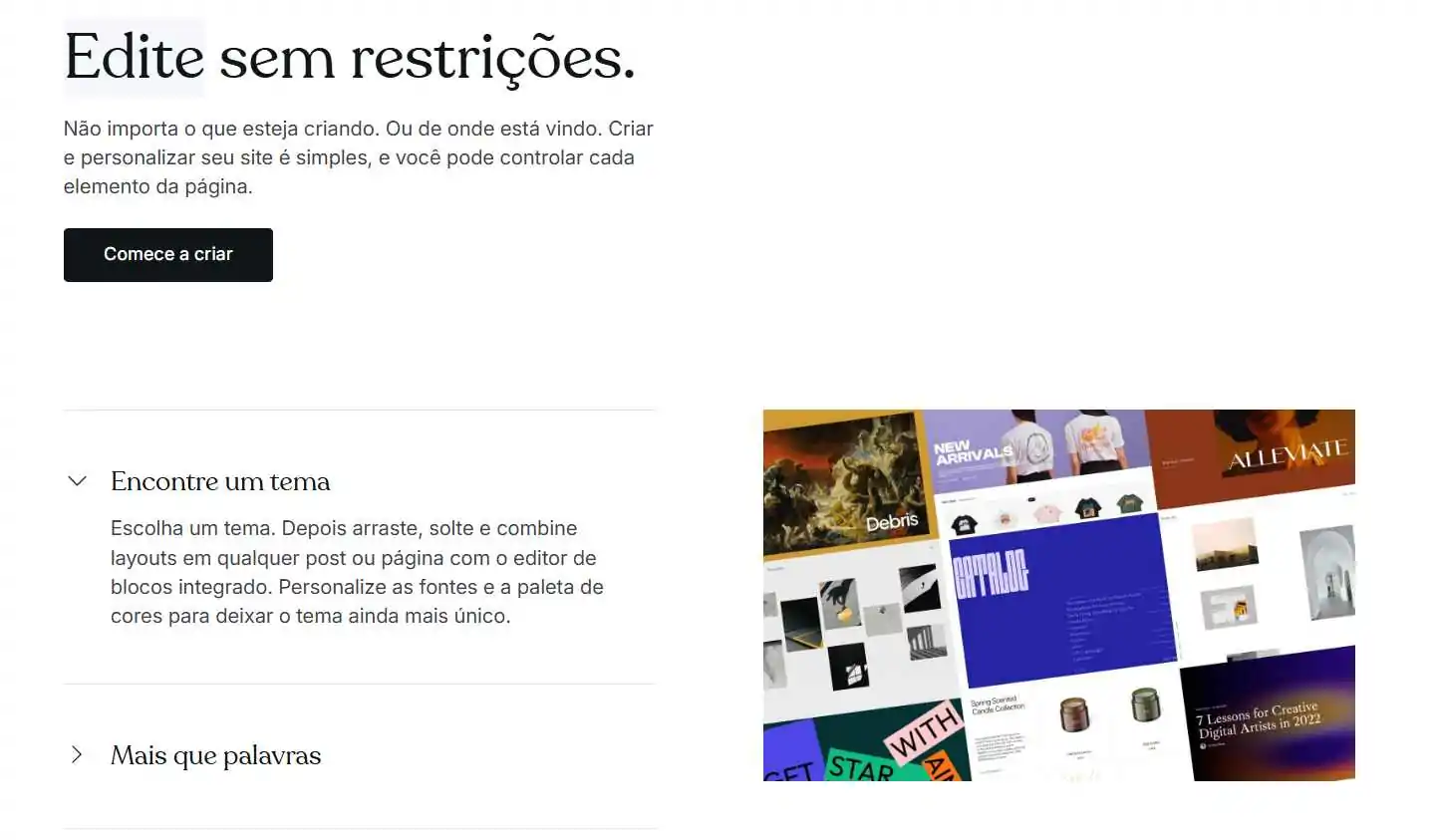
Key aspects of customization in WordPress:
- library with thousands of free and paid plugins;
- Full customization freedom via code;
- support for page builders like Elementor;
- integration with practically any digital tool;
- ideal for scalable and professional websites.
How does e-commerce work?
Wix offers basic e-commerce features, ideal for small shops or those selling a few products. WordPress, on the other hand, has the WooCommerce, one of the most used e-commerce platforms in the world, which guarantees much more flexibility and customization. Check out the details:
Wix E-commerce
On Wix, you can create a store from ready-made templates or integrate apps available in the Wix App Market. The process of adding products is simple and intuitive, with clear fields for text and images.
Despite its practicality, Wix has customization limitations. It works well for those who want to sell items quickly, but may not be suitable for businesses that need a more robust store or personalized experiences.
E-commerce on WordPress
WordPress, through WooCommerce, transforms any website into a complete online store. Today, it represents more than 23% of online stores worldwide, surpassing platforms like Magento and Shopify.
Besides selling physical or digital products, it's possible to integrate dozens of plugins to expand functionalities, from shipping systems to marketing automation. The learning curve is steeper than with Wix, but the possibilities are practically limitless.
Who controls the information on each platform?
Data control is one of the most important points when choosing a platform. Here, the WordPress stands out because it allows total freedom to manage, export, or migrate files — while Wix keeps the data trapped on its servers.
Data Control in Wix
On Wix, all content is stored on the platform's own servers. This reduces costs and simplifies maintenance, but it comes with serious limitations: it's not possible to easily migrate data to another tool, nor access the system's directories.
Data control in WordPress
With WordPress, you have full control. You can import, export, and modify files freely. As an open-source platform, developers and businesses can customize everything without restrictions—something that ensures greater autonomy and long-term flexibility.
How does maintenance work?
Maintenance is also very different between the two platforms. Wix takes care of everything automatically, while with WordPress, the responsibility lies with the user (or a partner agency).
Wix Maintenance
The Wix automatically updates and protects websites. The risk of attacks is low, unless the user employs weak passwords. This simplicity appeals to those who don't want to worry about technical aspects.
WordPress Maintenance
No WordPress, The user needs to ensure security, update plugins, and perform regular backups.. Despite requiring more attention, it's possible to hire a specialized agency to manage everything.
Key WordPress Care Tips:
- Keep plugins and themes updated;
- schedule regular backups;
- reinforce security measures;
- monitor vulnerabilities.
How much does it cost to build a website on Wix and WordPress?
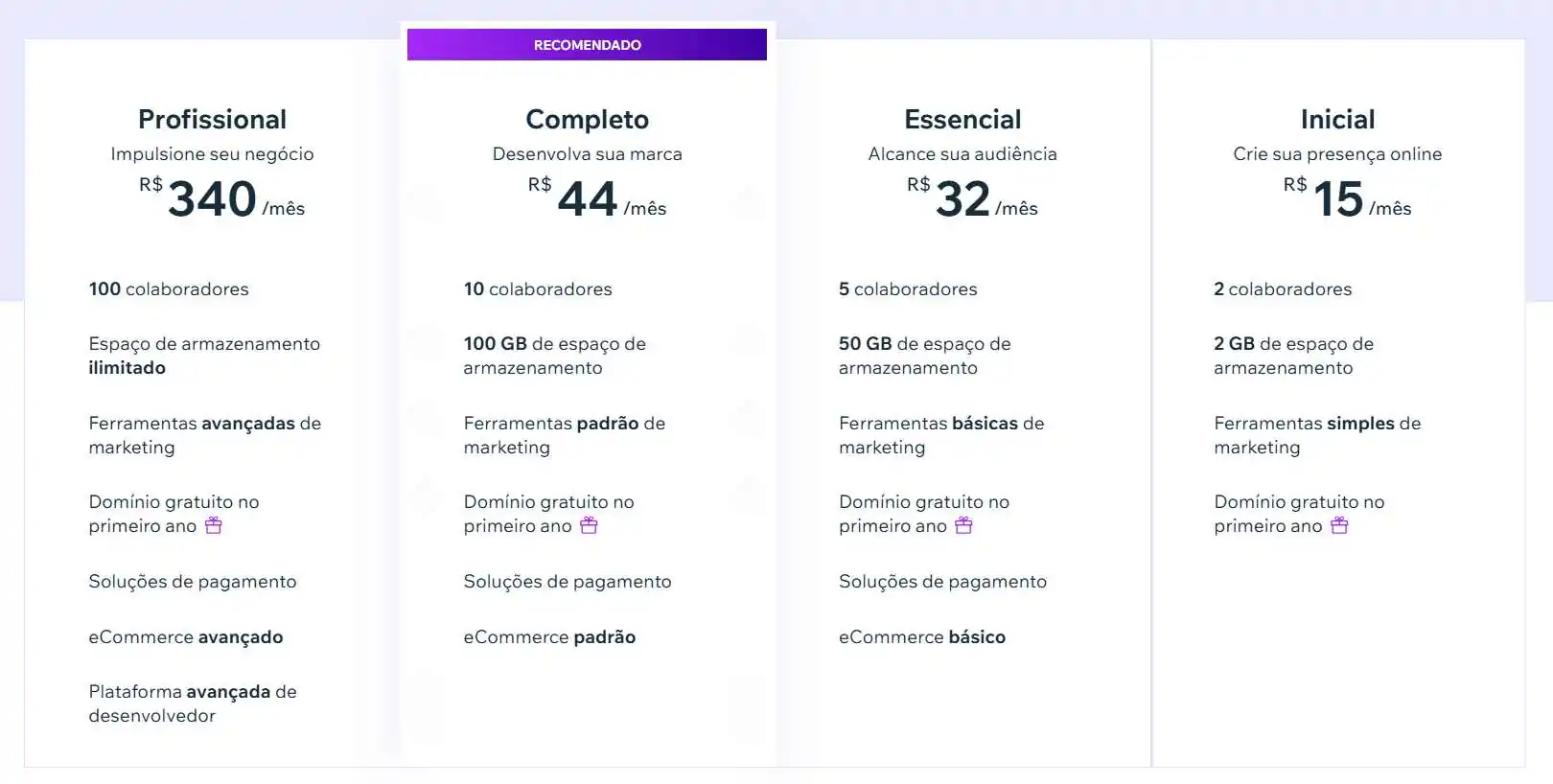
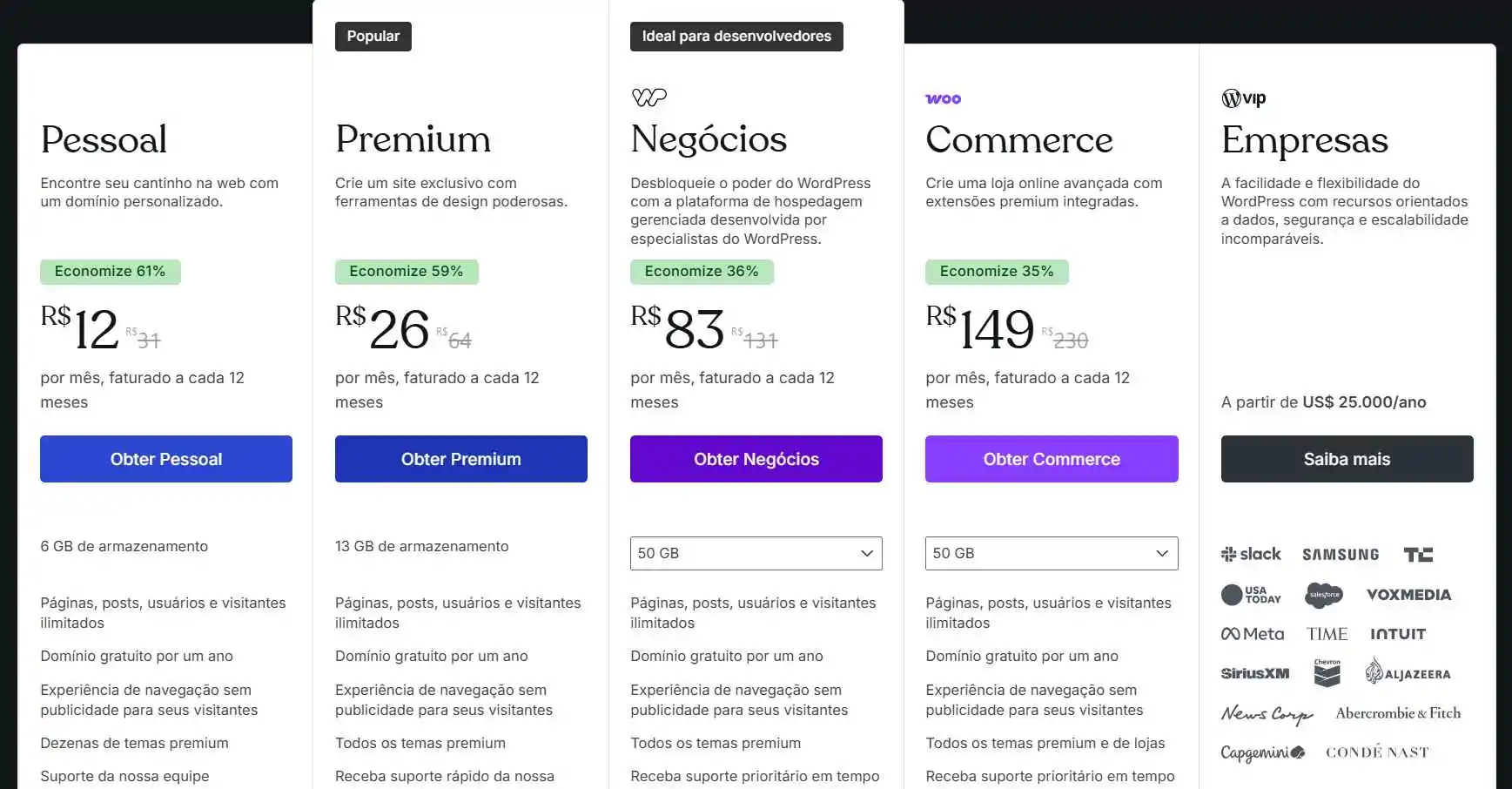
Wix works with monthly plans, including hosting and support. WordPress, on the other hand, is free but requires hiring hosting, a domain, and possibly paid themes or plugins. Check out the main costs for using both platforms:
Wix costs
- monthly plans with varying prices;
- Free plan option (with ads and no custom domain);
- specific e-commerce plans;
- recurring fixed cost (like rent).
WordPress Costs
- free platform (open source);
- domain from R$40/year at Registro BR;
- accommodations from R$10/month in basic VPS;
- The possibility of investing in premium themes and paid plugins.;
- plans for those seeking enhanced features;
- The initial cost may be higher, but it tends to be more advantageous in the long run.
Which platform is best for SEO?
Both platforms allow for on-page SEO techniques, such as optimizing titles, descriptions, images, and URLs. However, WordPress stands out by offering greater technical control and access to advanced plugins like Yoast SEO.
Features available in both:
- title and meta description editing;
- generation of sitemaps Automatic;
- ALT tag configuration on images;
- Friendly URLs;
- Integration with Google Analytics and Search Console.
In WordPress, it's possible to go further by optimizing the site's architecture, performance, and even developing SEO strategies more advanced, which makes it preferred by SEO professionals.
Wix or WordPress: which should I choose?
If you are looking for practicality and you don't intend to turn your website into a complex tool, Wix might be sufficient. It's easy to manage and works well for smaller projects.
But if the idea is to have a Professional, scalable website with total customization freedom, WordPress is the best option. In addition to the active community, there are thousands of plugins, specialized support, and the guarantee that you will always be in control of your data and results.
Which company should I hire to create a website?
To ensure a professional, functional, and strategic website, it is ideal to hire a website creation agency, such as UpSites. Specialized professionals handle the entire process — planning, design, development, SEO, support, and maintenance — so you have an efficient and hassle-free digital presence.
Benefits of professional support:
- deliver with quality and technical consistency;
- application of good SEO practices right from the structure;
- design aligned with the brand's visual identity;
- Integration of custom functionalities as needed;
- security, backups, and ongoing maintenance;
- Save time and focus on your core business;
- technical support when problems arise;
- Scalability and evolution capability guarantee.
Although digital transformation is a reality worldwide, only 52% of small businesses have their own website, according to Study of Cetic.br. This highlights a strategic digital gap: being online with quality makes a difference in market competitiveness.
If you want to get ahead and have a website that truly functions as a business tool, count on UpSites. Our team offers technical expertise, creativity, and continuous support to transform your website into a results-driven digital asset. Request a quote now!

Frequently Asked Questions
Which platform is easier for beginners to use?
Wix is easier for beginners as it offers a simple website building experience with ready-made templates that don't require technical knowledge. Users can create websites quickly by dragging and dropping elements.
Does WordPress offer advantages in terms of customization?
Yes, WordPress is highly customizable, allowing full control over the code and server files. This provides a significant advantage for SEO optimization and design customization, with access to over 53,000 plugins that add various functionalities to the site.
Wix or WordPress, which is better for SEO?
WordPress is generally considered better for SEO due to greater flexibility in technical optimizations and access to plugins that aid in search engine optimization. Wix has limitations in terms of code optimization that can restrict SEO performance.
What platform is best suited for e-commerce?
For e-commerce, WordPress with the WooCommerce plugin offers a more robust and flexible solution, allowing you to create customized online stores and expand functionalities with additional plugins. Wix also supports e-commerce, but with less flexibility for customization and expansion.
Are Wix or WordPress free?
Wix has a free plan, but with limitations like ads and no custom domain. WordPress, on the other hand, is open-source and free to use, but you'll need to invest in hosting, a domain, and possibly premium themes and plugins to have a complete and professional website.
Which platform is best for beginners?
Wix is more suitable for beginners as it offers ready-made templates and an intuitive editor, allowing you to create websites without technical knowledge. WordPress has a steeper learning curve, but with the help of plugins like Elementor, it can also be accessible and offers much more long-term flexibility.
Can I migrate my website from Wix to WordPress?
Migrating from Wix to WordPress is possible but requires more technical effort and may demand professional help. Conversely, the reverse is not feasible as Wix keeps data locked to its platform. This shows how WordPress ensures more freedom for those thinking about their digital future.
Who needs WooCommerce?
WooCommerce is the best option for those who want to transform a WordPress site into a complete online store. It is ideal for businesses that need to sell many products, integrate payment methods, manage orders, and customize the user experience. It is more flexible than Wix for e-commerce.
Which is safer: Wix or WordPress?
Wix manages all security automatically, which makes it easy for users without technical knowledge. On the other hand, with WordPress, security depends on the user or the responsible agency, who must keep plugins updated, perform backups, and apply best practices. With certain precautions, WordPress is just as secure.
How much does it cost to maintain a WordPress website?
WordPress itself is free, but there are costs for hosting (starting from R$10/month on VPS), domain (around R$40/year on Registro BR), and potential premium plugins or themes. Despite these costs, WordPress tends to be more advantageous in the long run compared to Wix.
When should I hire an agency to build my website?
If you want a professional website with strategic design, SEO applied from the start, and ongoing support, hiring an agency is the ideal path. Experts take care of all the technical and creative details, ensuring your website is not only attractive but also generates real results.

Caio Nogueira
Caio Nogueira is co-founder of UpSites and a reference in website development and SEO consultancy. With over 10 years' experience and more than 900 projects completed for brands such as KaBuM, UNIMED, USP and Nestlé, Caio stands out for his competence in digital project management.Caio has also been a guest author on influential digital marketing websites such as Neil Patel, Rock Content, Hostinger, Duda, Hostgator and Locaweb, where he has shared his expertise in SEO and content marketing.
See all posts



 Calculate Price Now

